
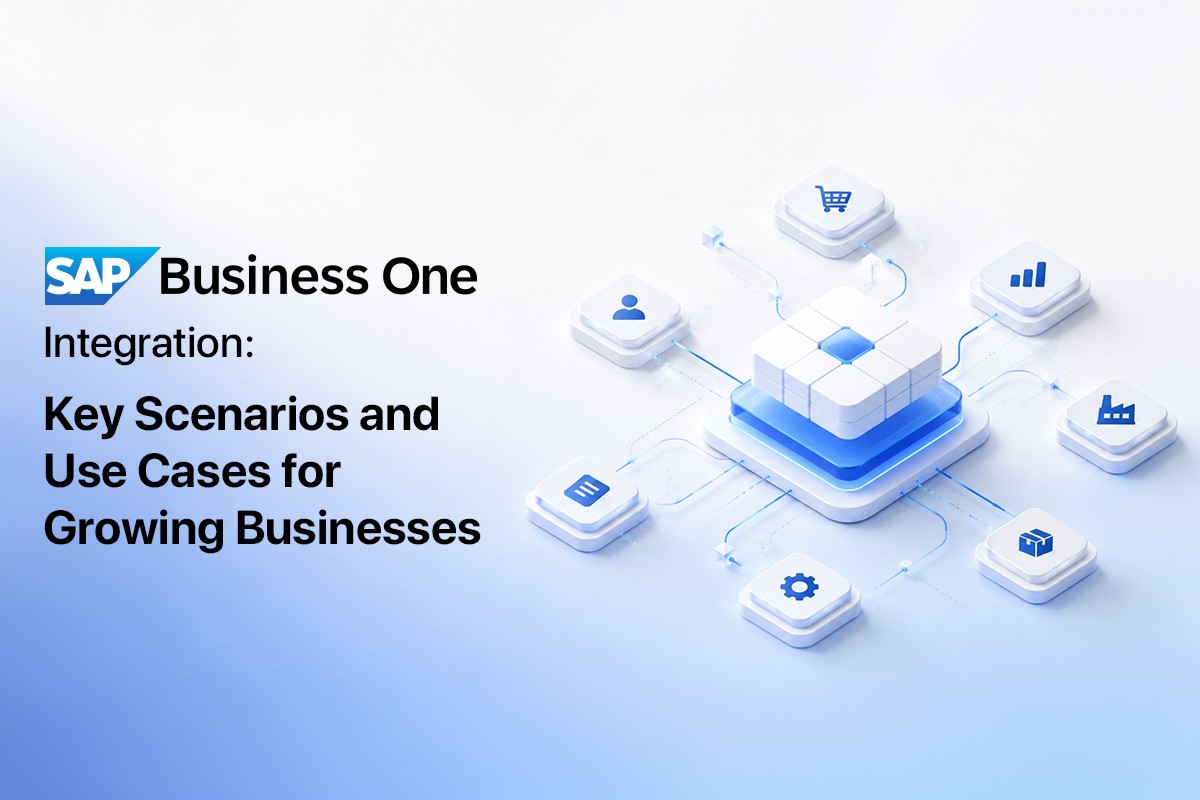
If you run a small or mid-sized business, chances are your day doesn't revolve around a single piece of software. You've got an ERP handling finances and inventory, maybe a webshop taking orders, an email tool sending newsletters, a bank feed to reconcile, and a handful of spreadsheets stitching it all together whenever the systems refuse to talk to each other. That last part — the stitching — is exactly where SAP Business One Integration earns its keep.
Instead of your team re-typing the same order into three different screens, a well-built integration lets the data move on its own, accurately and in real time. This article walks through the most common SAP Business One integration scenarios in use today: e-commerce, banking, CRM and marketing, logistics, credit risk, intercompany operations, customer portals, and Microsoft 365 — based on the native, no-middleware approach used by Ingold Solutions, a certified SAP Partner.
Table of Contents
- What Does "SAP Business One Integration" Actually Mean?
- Why Integration Matters More Than Ever for SMEs
- E-Commerce Integration: Magento, Shopify, WooCommerce, Shopware
- Banking and Financial Integration
- CRM and Marketing Automation Integration
- Logistics, Shipping, and Warehouse Integration
- Credit Risk and Business Partner Screening
- Intercompany and Multi-Branch Integration
- B2B Customer Portal Integration
- Microsoft 365 Integration
- Industry-Specific Integration Scenarios
- Common Integration Challenges and How to Avoid Them
- How to Choose the Right Integration Partner
- Final Thoughts
1. What Does "SAP Business One Integration" Actually Mean?
At its core, SAP Business One is a single ERP system covering finance, sales, purchasing, inventory, and reporting for small and mid-sized companies. Integration is what happens when that core system is connected to the other tools your business relies on — a webshop, a bank, an email platform, a shipping carrier — so information flows automatically instead of being copied by hand.
There are two broad ways to build these connections. The first is middleware: a separate layer sitting between SAP Business One and the other system, translating and passing data back and forth. Middleware works, but it adds another moving part to maintain, another point of failure, and often another invoice. The second approach is a native, certified interface that talks to SAP Business One directly through its own APIs, without an extra layer in between. You can see how this looks in practice on the Ingold Solutions homepage, where SAP B1 connects natively to platforms like Magento, Shopify, WooCommerce, Shopware, Brevo, DHL, UPS, Creditsafe, and Mailchimp.
Both approaches aim for the same outcome: one accurate set of data, wherever you look at it. The difference is in how much extra infrastructure you have to babysit to get there.
2. Why Integration Matters More Than Ever for SMEs
SAP Business One was built for companies that need enterprise-grade capability without enterprise-grade complexity. It's used by more than 83,000 companies and over 1.2 million users worldwide, spans 170 countries, supports 28 system languages, and comes with 50 country-specific localizations — the kind of footprint that only makes sense if the platform stays flexible as a business grows internationally, as covered on the International Rollouts page.
Growth is exactly where the pressure to integrate shows up. A company selling through one channel with a handful of staff can get by on manual data entry. The moment a second sales channel, a second warehouse, or a second country enters the picture, the manual approach starts producing errors: double-booked stock, invoices that don't match bank statements, customer records that drift out of sync between the webshop and the CRM. Integration scenarios exist to close exactly these gaps, and the right ones depend entirely on where your business is actually bottlenecked.
3. E-Commerce Integration: Magento, Shopify, WooCommerce, and Shopware
E-commerce is probably the single most common reason companies look into SAP Business One Integration in the first place. An online store generates a constant stream of orders, stock changes, and customer data — and if that data has to be manually re-entered into the ERP, growth turns into a staffing problem rather than a revenue win.
A native e-commerce interface connects your storefront directly to SAP Business One so that:
- Orders placed on the webshop appear in SAP B1 automatically, with correct pricing, tax, and customer data.
- Stock levels update in both directions in real time, preventing overselling.
- Invoices, delivery notes, and payment status sync back to the storefront without manual re-entry.
Ingold Solutions covers this with dedicated interfaces for each platform: the SAP Business One – Magento integration, the Shopify integration (with a separate Shopify Plus integration for larger merchants), and the WooCommerce integration. For businesses that sell to both consumers and other businesses, the broader B2C E-Commerce Suite and B2B E-Commerce Suite package the integration together with hosting and support, and there's a detailed breakdown in the SAP Business One E-Commerce Suite: The Complete Guide. Online retailers specifically will also find relevant context on the SAP Business One for Online Retailers page and in the blog post ERP for Online Stores: Why SAP Business One Wins.
The practical upshot: no middleware fees, no data lag between what's in the warehouse and what's shown online, and one source of truth for every order regardless of which storefront it came from.
4. Banking and Financial Integration
Finance teams tend to be the first to notice when systems don't talk to each other, because reconciliation is their job. A few integration scenarios show up repeatedly here:
- Bank statement matching. The Multi Banking Connector pulls bank statements directly into SAP Business One and matches incoming and outgoing payments against open invoices, cutting down the manual work of comparing bank feeds to the books line by line.
- Document management and e-invoicing. The DMS and E-Invoice add-on handles the growing set of electronic invoicing formats and requirements many countries now mandate, while keeping documents archived and searchable inside the ERP itself.
- Localized finance processes. For companies operating in the DACH region, the EU FinanceSuite add-on covers country-specific reporting and compliance requirements that a generic ERP setup wouldn't handle out of the box.
None of these are exotic integrations — they're the kind of connective tissue that turns "closing the books" from a multi-day exercise into something closer to a formality. Anyone budgeting for this kind of work should also check the SAP Business One Cost page, since finance add-ons are often priced separately from the core license.
5. CRM and Marketing Automation Integration
Sales and marketing teams live in different tools than finance and warehouse teams, but they need the same customer data. Integrating SAP Business One with newsletter and marketing platforms means a customer's purchase history, contact details, and segment can flow straight from the ERP into a marketing campaign without a spreadsheet export in between.
The Newsletter add-on for Mailchimp and Brevo is built for exactly this: customer and prospect data stays synchronized between SAP B1 and the marketing platform, so campaigns can be built on accurate, current information rather than a list that was last updated three months ago. This matters more than it sounds — a segmented, timely campaign converts noticeably better than a blast sent to an outdated list, and the underlying CRM data inside SAP Business One (contacts, opportunities, sales history) is usually richer than what most marketing tools track natively.
6. Logistics, Shipping, and Warehouse Integration
For companies moving physical goods, integration between SAP Business One and logistics providers removes one of the most repetitive tasks in the fulfillment chain: manually creating shipping labels and tracking numbers for every order. Native connections with carriers like DHL and UPS let shipping documents generate directly from SAP B1 sales orders, with tracking information flowing back automatically.
On the warehouse side, the WMS integration extends SAP Business One's inventory management with barcode scanning, pick-and-pack workflows, and bin-level accuracy — useful for any company whose warehouse has outgrown a simple shelf-and-clipboard system. This is especially relevant for businesses in logistics, wholesale, and retail, where inventory accuracy directly affects the customer experience.
7. Credit Risk and Business Partner Screening
Extending credit to a new customer without checking their financial standing is a quiet way to accumulate bad debt. The Creditsafe integration pulls credit ratings and company financial data directly into the business partner record inside SAP Business One, so sales and finance teams can see the risk profile of a customer before setting payment terms — rather than finding out after an invoice goes unpaid.
This kind of integration tends to be underrated because its value shows up as an absence: fewer bad debts, fewer surprises, and credit limits that are based on current data instead of a one-time check performed years earlier.
8. Intercompany and Multi-Branch Integration
Companies operating more than one legal entity — a parent company and subsidiaries, or branches across borders — run into a specific integration problem: transactions between the entities (an intercompany sale, a shared purchase order, a cost allocation) need to be recorded correctly on both sides without being entered twice.
The Intercompany Solution automates this by mirroring transactions between connected SAP Business One databases, keeping each entity's books accurate while eliminating duplicate manual entry. This pairs naturally with the guidance on the International Rollouts page for businesses expanding into new countries, where local tax rules and reporting requirements have to be handled correctly from day one.
9. B2B Customer Portal Integration
Business customers increasingly expect the same self-service convenience as consumers: checking order status, reordering previous purchases, viewing invoices, without picking up the phone or waiting on an email reply. The B2B Client Portal for SAP Business One gives customers direct, secure access to their order history, pricing, and account documents, pulled live from SAP B1 rather than a separate database that needs its own maintenance.
For wholesalers and manufacturers with repeat B2B buyers, this kind of integration often reduces the volume of routine "where's my order" support requests more effectively than any amount of additional staffing would.
10. Microsoft 365 Integration
Most companies already run their day-to-day communication through Microsoft 365 — email, calendars, Teams, and Outlook. Integrating SAP Business One with this environment means sales quotes, orders, and customer correspondence can be managed from inside Outlook, and documents generated in SAP B1 stay consistent with what's stored and shared across the Microsoft ecosystem.
Companies exploring this route can look at the Microsoft Solution Partner page, along with dedicated resources on Microsoft 365 Setup, e-mail migration, and Microsoft Azure for hosting SAP Business One in the cloud.
11. Industry-Specific Integration Scenarios
The right combination of integrations depends heavily on the industry:
- Retail and Wholesale — e-commerce integration plus WMS and shipping carrier connections keep inventory and fulfillment accurate across channels. See ERP for Retail and Wholesale Industry.
- Manufacturing — integration with production planning and inventory tracking matters more than e-commerce. Details on the Production and Manufacturing page.
- Service Companies — CRM, project tracking, and finance integration tend to matter more than physical inventory. See Service Company solutions.
- Startups — usually start with a lighter integration footprint (banking and one sales channel) and expand from there, as outlined on the Startups page and the Starter Package.
- Automotive and Educational Institutions have their own specific requirements, covered on the Automotive Industry and Educational Institutions pages.
12. Common Integration Challenges and How to Avoid Them
Even a well-planned integration project runs into predictable friction points. Knowing them ahead of time makes the difference between a smooth rollout and a six-month headache:
- Trying to integrate everything at once. Companies often want e-commerce, banking, marketing, and logistics connected in a single go-live. In practice, it's usually better to start with the one integration causing the most manual work today — often e-commerce or banking — get it stable, and expand from there.
- Underestimating master data cleanup. An integration is only as good as the data behind it. Duplicate customer records, inconsistent item codes, or missing tax settings in SAP Business One will surface immediately once a webshop or bank feed starts pushing data in automatically. Cleaning up master data before go-live saves far more time than fixing it afterward.
- Choosing middleware without understanding the long-term cost. Middleware can look cheaper upfront, but every additional layer between SAP Business One and the connected system is one more thing that can break during a platform update, and one more support contract to maintain. A native, certified interface avoids this by removing the extra layer entirely.
- No clear owner after go-live. Integrations need occasional attention — a webshop update, a new bank format, a change in carrier API — and someone on the business side should be responsible for flagging issues early rather than discovering them when an order fails silently.
- Skipping the test phase. Running new integrations against a demo or sandbox environment before touching live data catches configuration mistakes before they reach real customers and real invoices. The SBO Demo environment is a practical way to validate a scenario before committing to it in production.
None of these issues are unique to SAP Business One — they show up in any ERP integration project. What changes the outcome is having a partner who has seen the same failure modes before and builds around them rather than discovering them mid-project.
13. How to Choose the Right Integration Partner
Not every integration is worth building at once, and not every partner builds them the same way. A few things worth checking before committing:
- Native versus middleware. Ask whether the integration talks to SAP Business One directly or through an extra layer — the native approach used across Ingold Solutions' implementation work tends to mean fewer moving parts and lower long-term maintenance costs.
- Certification. A SAP-certified interface has been vetted against SAP's own standards, which matters for support and long-term compatibility with future SAP Business One updates.
- Support after go-live. Integrations need monitoring and occasional adjustment as connected platforms update their own APIs. The Support & Services page outlines what ongoing support typically covers.
- Hosting. If SAP Business One itself is moving to the cloud, check whether cloud hosting is bundled with the integration work or handled separately.
It's also worth reviewing real deployments before deciding — the case studies and references page includes reports from companies like Sinell, Creditsafe, and Winwall that show how these integrations played out in practice.
14. Final Thoughts
SAP Business One Integration isn't a single feature you switch on — it's a set of decisions about which systems should talk to each other and how much manual work you're willing to keep doing by hand. For most SMEs, the highest-value starting points are e-commerce and banking, since those generate the most repetitive data entry day to day. From there, CRM, logistics, credit risk, and intercompany integrations tend to get added as the business grows more complex.
Whichever combination fits your business, the underlying principle stays the same: fewer manual handoffs, one accurate set of data, and systems that scale with you instead of against you.
Want to see how these integration scenarios could apply to your own setup?
Talk to Ingold Solutions Test SAP Business One Free




 Applicable for Package
 Optional